Are custom QR codes on your radar? Wondering exactly how to use QR codes to make your life easier? Start here!
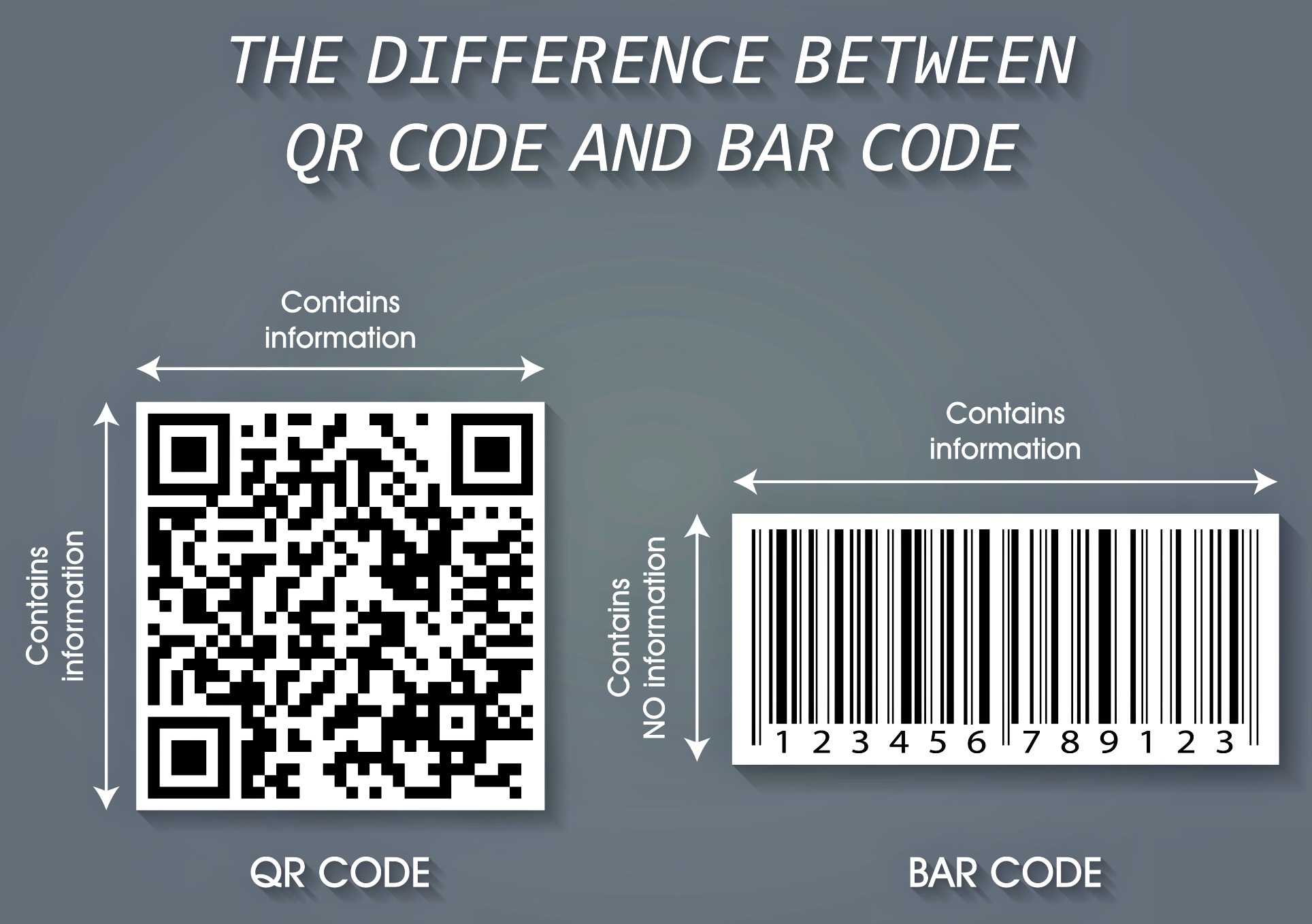
The QR code is a Quick Response Code. It’s similar to an old-fashioned barcode or UPC code. Yet it’s different from a bar code in that it can store an unlimited amount of info within a symbol. A quick scan of a QR code will reveal a wealth of info that is helpful for the end user.
You may have noticed airlines using QR codes on plane tickets and boarding passes these days. Grocery stores, food manufacturers and clothing companies also use custom QR codes — as a way to give people more info without having to print it all on the box or on the tag.
A QR code is better than a barcode or UPC because:

- It can be used by people like you and me (rather than just stores and manufacturers) to hold an unlimited amount of data, photos, and videos.
- It can be regularly updated to reflect timely and new info.
- It is a quick way to share information (contact info, product details, an updated schedule, etc.) with someone else.
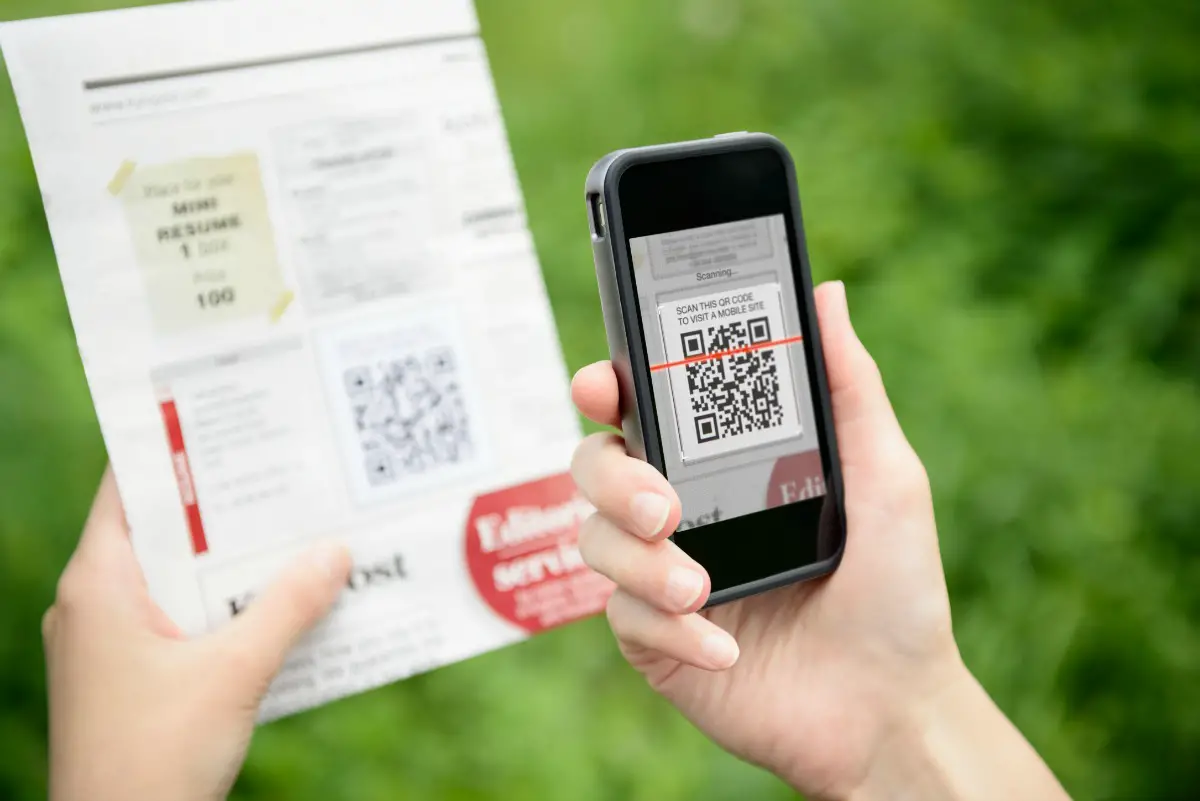
A custom QR code is an enhanced barcode that is readable by smartphones that have cameras as well as tablets, computers, and other QR scanners.
Here’s a summary of the many ways that QR codes are used on stickers, with pet ID tags, on luggage tags, and medical IDs.
Clever Ways To Use Custom QR Codes
It’s actually amazing how many unique ways that custom QR codes are being used these days!
Before we get to all the fun uses for QR codes in your own everyday life, let’s look at some great examples.
These are just some of the ways that QR codes are being used by businesses right now:
- 8 Great Ways To Use Custom QR Codes
- 10 Creative Ways To Use QR Codes For Marketing
- How To Put Your Logo In A QR Code
- 21 Ways To Use QR Codes To Build Your Business
- How Charities Can Use QR Codes
- Clever Ways To Use QR Codes With Messenger Marketing Chatbots For Business
- 3 Best Practices For Generating Reliable QR Codes
How To Use QR Codes For Your Own Personal Things
Now, my main intention of this post is to share some very simple tips for using QR codes in your everyday life.
Each of the links below shows you how to create your own custom QR code for a very specific purpose.
While some of the following links describe fun QR-coded stuff that you can buy — if you have your own blog or website (your own little space online), then you don’t necessarily have to buy anything to make the following ideas work for you. Just (1) follow these 4 steps to create custom QR codes using one of the many free online QR code generators. Then, instead of using someone else’s “professional” space online to store and update the information associated with your custom QR codes, you would (2) store that information at your own personal online space! That said, some companies may actually provide cooler tags, cards, or products than you could create yourself — so at least you’ve got options. The absolute QUICKEST & EASIEST way to create a QR code for any URL is to Google Chrome’s FREE QR Code Generator — as seen here. (You simply click the 3 dots in the upper right corner of your Chrome browser, click on “save and share,” then choose “qr code” — that’s it!)
Pet ID Tags
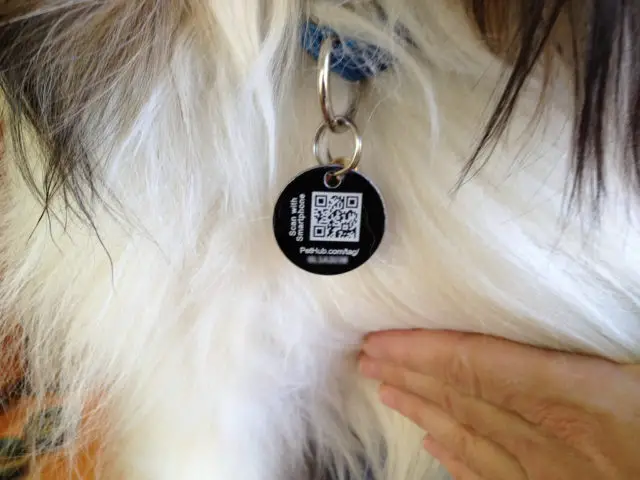
Microchipping is the best way to ensure that your dog is returned if they become separated from you. A close second is to have an ID tag on your dog’s collar at all times.
The best way to maintain your personal info on your dog’s ID tag is to use a creative QR code on the dog tag!
There you can keep helpful info for pet sitters or someone who’s found your dog — such as your vet’s number, additional photos of your dog, your dog’s health record, and more.
Luggage Tags

If your luggage tags have a QR code, then any time you move or want to change your personal information you simply have to modify it online.
It’s a quick and easy way to maintain up-to-date luggage tags, office tags, and other ID tags.
Business Cards
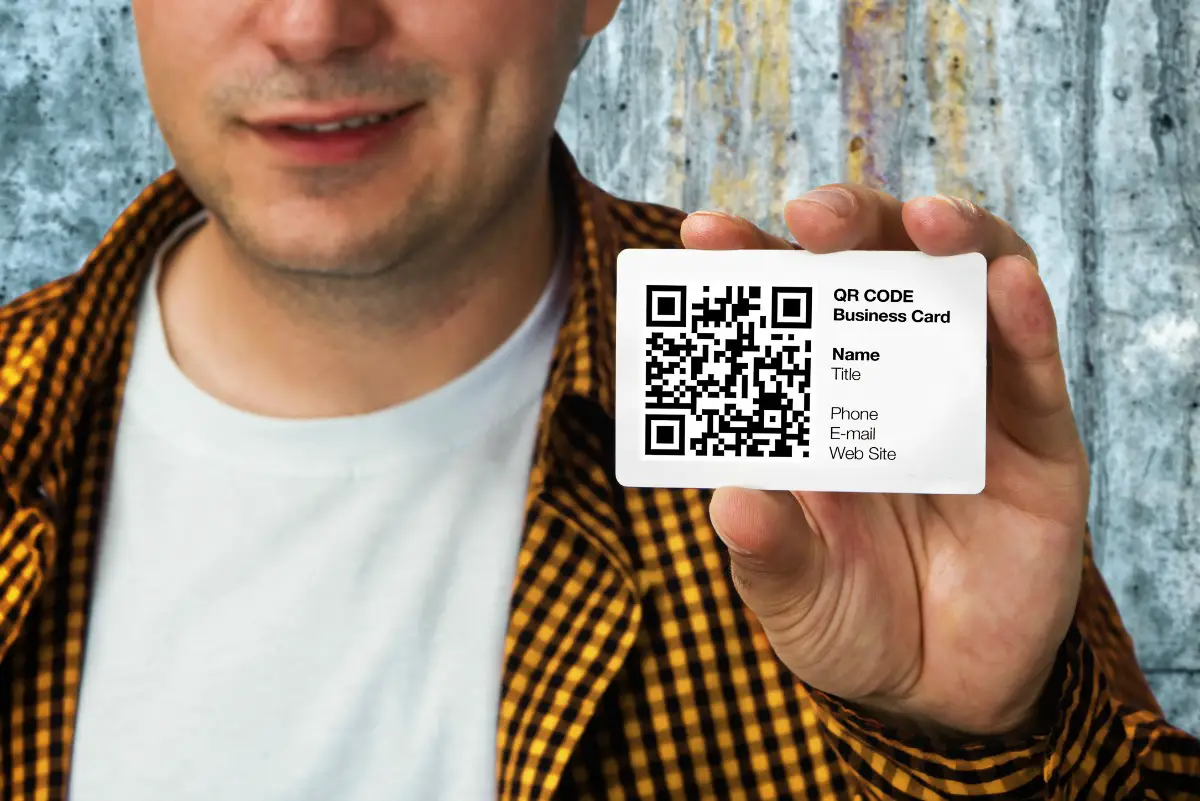
Business cards are going digital these days, and one of the trendiest ways to hop on board is to add a QR code to your business card.
You (and your business card) will stand out as being more modern — and less stuffy — than others. And, as everyone knows, first impressions go a long way!
- Examples Of How To Use QR Codes On Business Cards
- How Business Cards With QR Codes Talk To Cell Phones
- How To Create A QR Code Business Card
- Make Your Own QR Code Business Cards
House For Sale

Unlike the traditional Take-One property flier, a QR code provides buyers with an unlimited amount of information about your house, as well as photos.
Plus, potential buyers can easily return to that information later — in digital form — online via their cellphone.
Job Resume
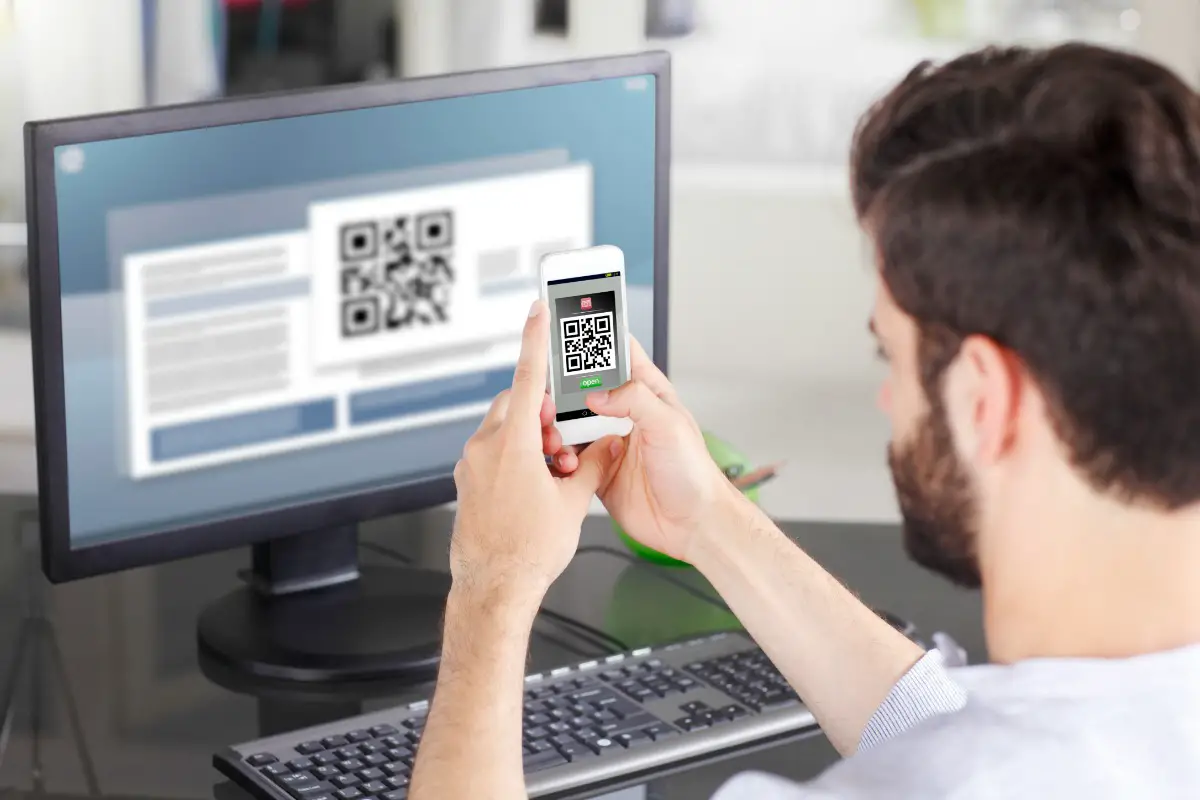
This works best if you’re a creative type who is applying for a unique job position within an open-minded company.
If the organization tends to think outside-the-box, then a QR code resume would be ideal. It’s a great way to show your uniqueness!
- Example Of A QR Code Resume (Or Cover Letter)
- How To Use Custom QR Codes On Your Resume
- Tips For Adding Creative QR Codes To Your Resume
The Next Step
Now that you know how to use QR codes, are you ready to get started and make some custom QR codes for yourself?…
Here’s an example of the old-fashioned way and the modern way of achieving the same goal:

Like this post? Save it to read again later… or share with others on Pinterest!